-75% OFF
Japanese Animated Stream Package
Japanese Animated Stream Package: For Twitch Overlay, YouTube, Kick | Facecam, Panels, Alerts, Stream Overlays4.9 · 193 shop reviews
$5.12$20.50
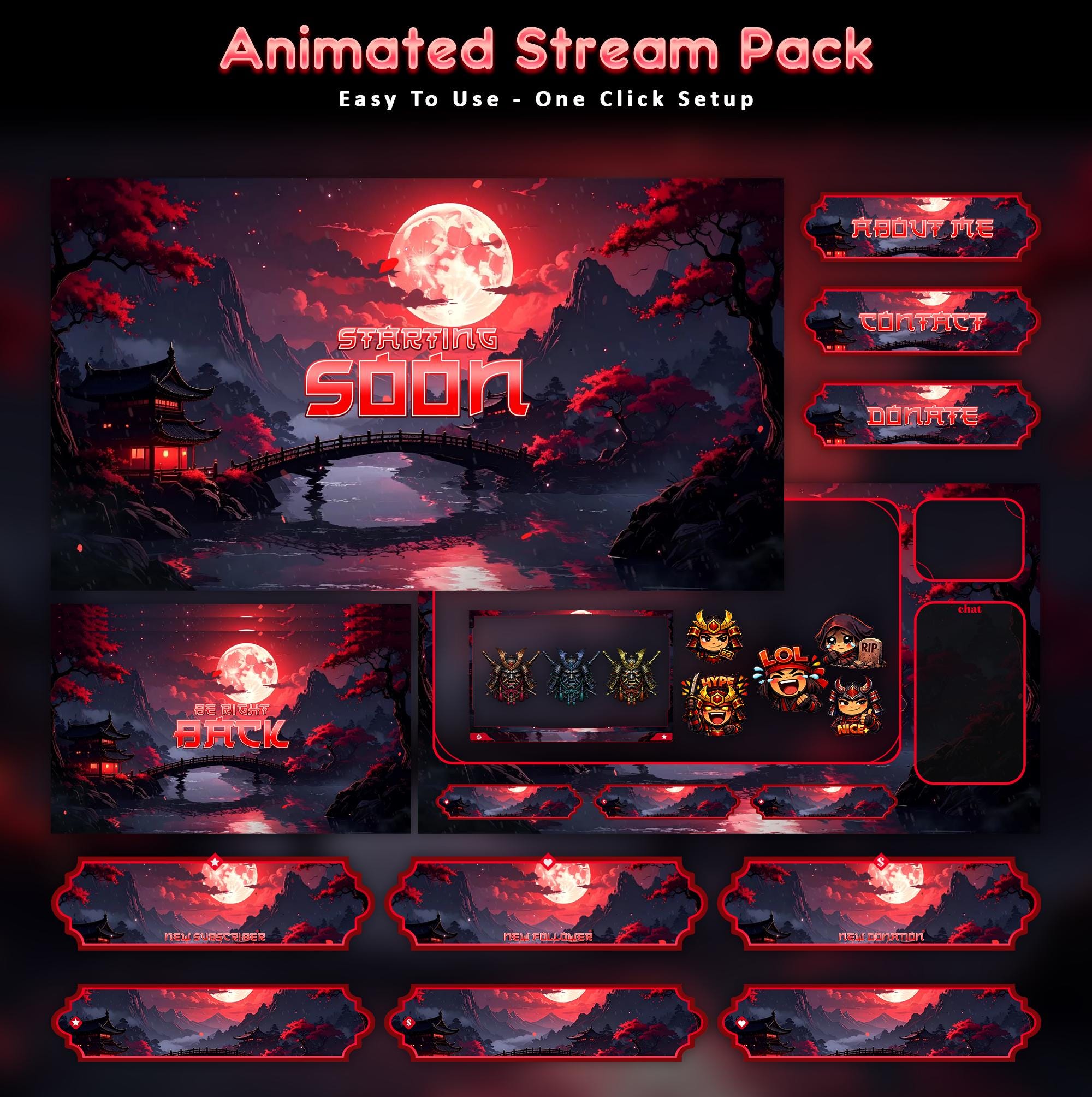
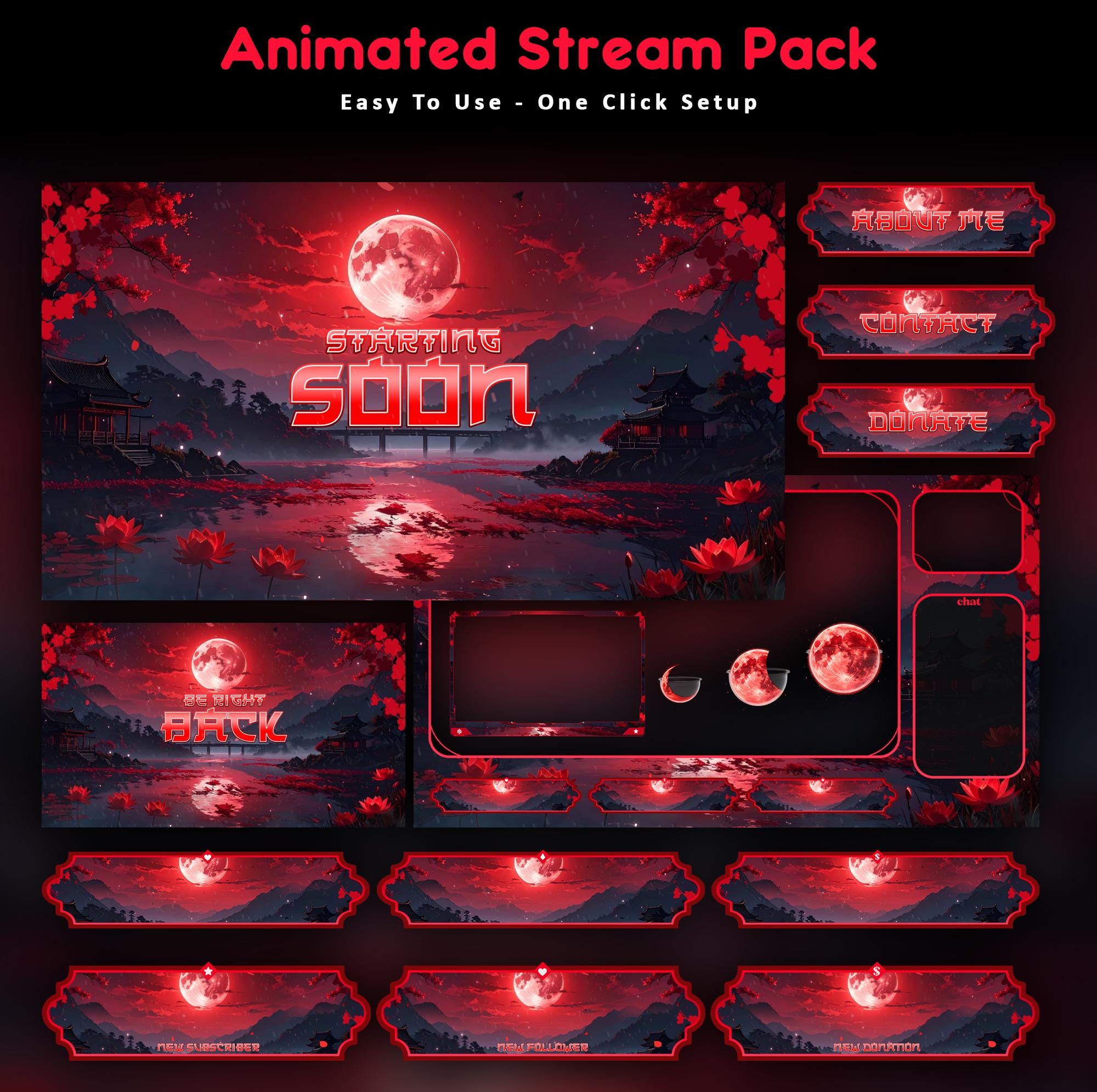
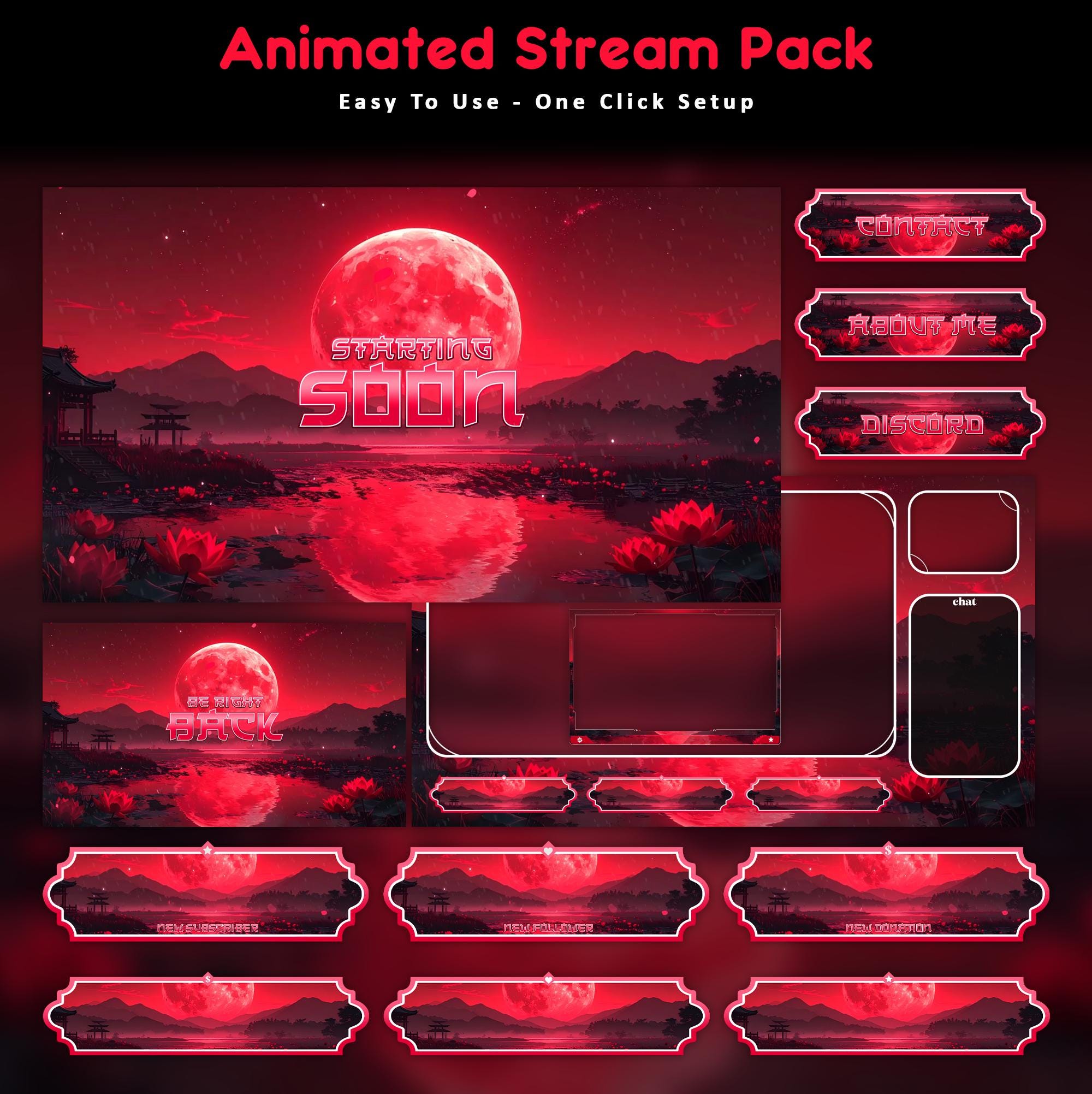
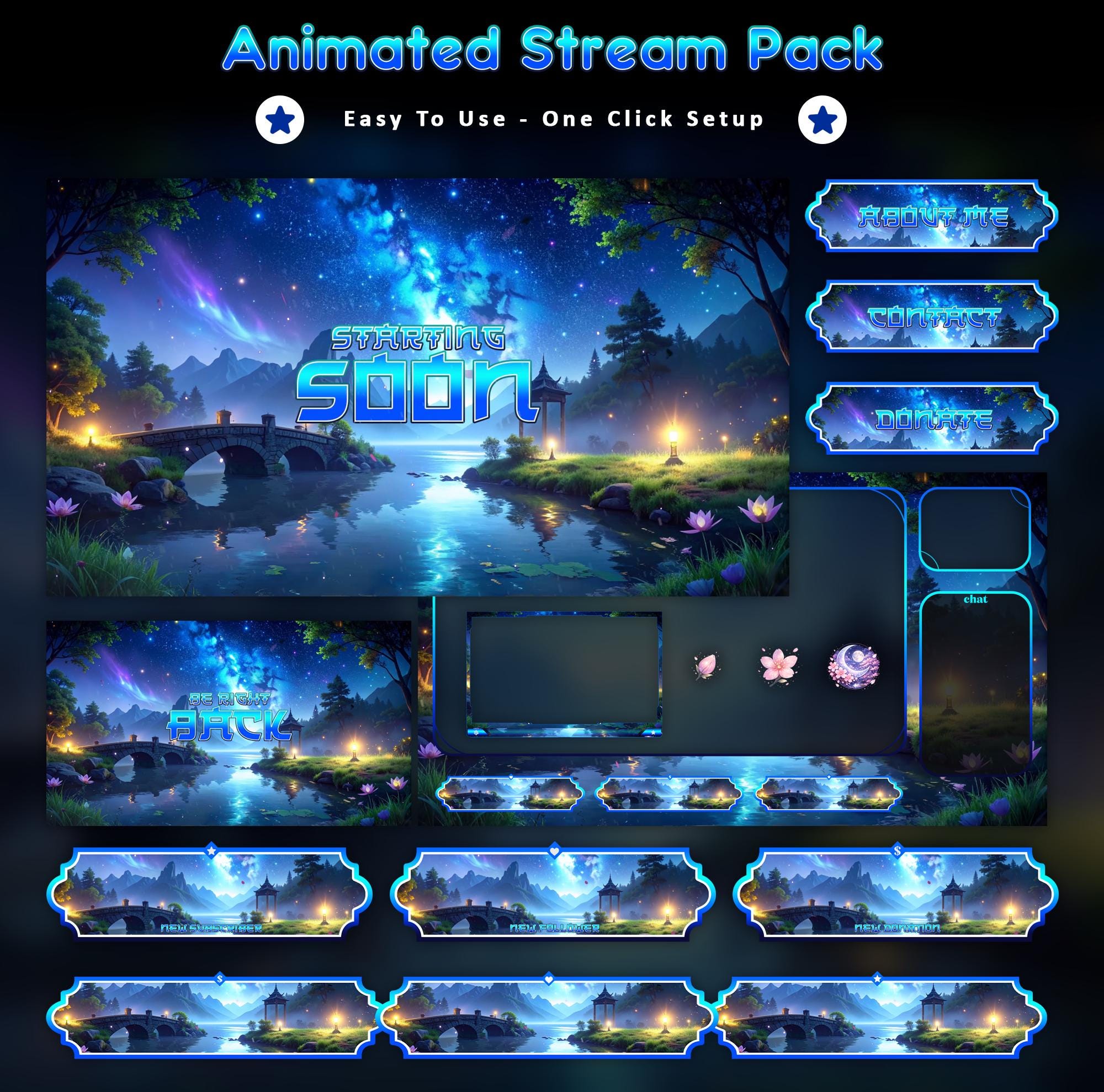
Set the scene with Japanese Animated Stream Package. Slow smoke, pale moonlight and a stream that owns the dark - a full animated Twitch overlay built to make your channel feel like a place, not just a webcam on a background.
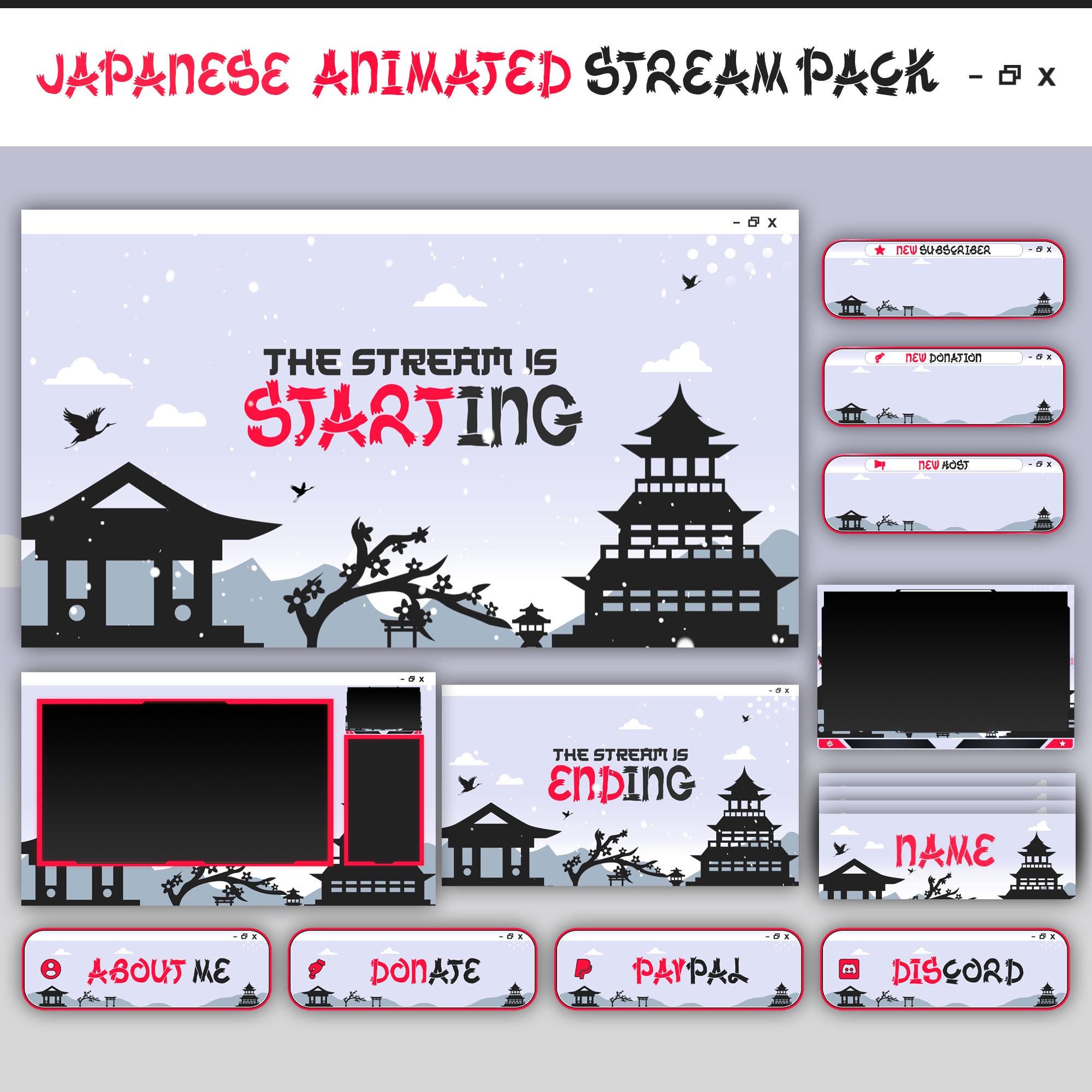
Inside the pack: animated Starting Soon, Be Right Back, Stream Ending and Offline screens (MP4 loops plus static PNG versions), a facecam / webcam frame, an in-game overlay, animated alerts for follows, subs, donations and raids, matching info panels and a set of bonus emotes. Every piece shares the same stream art direction, so your whole layout looks designed by one hand.
It works with OBS Studio and Streamlabs and looks right on Twitch, YouTube, Kick and Facebook Gaming. Delivery is instant: buy, download the ZIP and follow the included setup guide - most streamers are live with it in under ten minutes. No subscription, no watermark, yours to keep.
Your purchase covers use on your own channels for as long as you stream. If a file ever misbehaves, message the studio and we will fix or replace it fast. Want Japanese Animated Stream Package tuned to your exact brand colors or paired with a custom mascot, emotes and badges? The commission desk is open.
Instant download OBS Studio Streamlabs Twitch YouTube Kick
What's Included
- Starting Soon screen (animated MP4 + static PNG)
- Be Right Back screen (animated MP4 + static PNG)
- Stream Ending screen (animated MP4 + static PNG)
- Offline screen (animated MP4 + static PNG)
- Facecam / webcam frames
- In-game overlay
- Animated alerts (follow, sub, donation, raid)
- Info panels
- Bonus emotes
How to Install
- 1Unzip the pack - screens, frames, alerts and panels are sorted into folders.
- 2In OBS/Streamlabs: add a Media Source to your scene and select the animated file (loop enabled).
- 3Add your facecam frame as an Image source above your camera.
- 4Upload alerts to your alert tool (StreamElements/Streamlabs) and panels to your channel page.
- 5Go live. That's genuinely it.
Also known as
- Stream Twitch Overlay
- Twitch Overlay Stream
- Stream Overlay Stream
- Stream Overlay
- Stream Twitch
- Stream Overlay
- Twitch Overlay
- Twitch Overlays
- Stream Overlays
- Stream Twitch Pack
- Animated Stream Overlay
- Kick Stream Package
- Vtuber Overlay
Same world, different doors